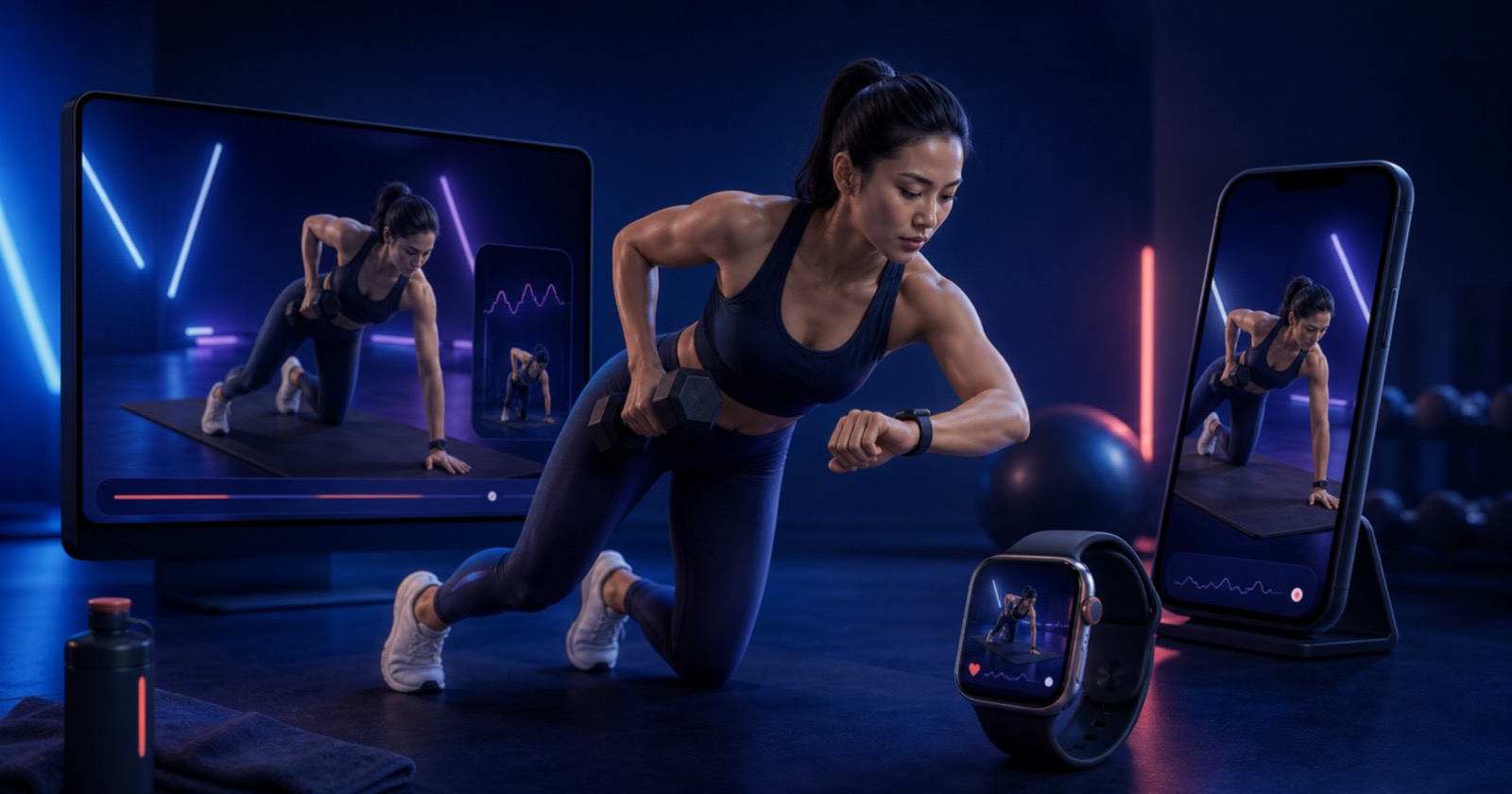
The best screen for planning is not always the best screen for training. A larger display helps review the workout; a phone or watch is easier beside the equipment. The session should remain one session as you move between them.
Connected live state
AnyGear's live workout flow now synchronizes the active exercise and completion state through shared session endpoints. That reduces the need to recreate progress when you check another device.
The training record remains anchored to the same account and workout. Devices are different windows into that record, not separate copies of it.
A practical device rhythm
- Review or edit the plan on web or phone.
- Use the phone or watch for set-by-set logging.
- Keep one active session rather than starting duplicates.
- Finish once and allow synchronization to complete.
Technology should disappear during the set
Cross-device support is not about using every screen at once. It is about choosing the least distracting screen for the moment while keeping the history coherent. The workout is the product; synchronization should stay in the background.